Upload a song. Watch an orchestra perform it.
The instruments are identified automatically. A 3D orchestra performs the song, filmed with a director camera. Download the video and post it.
How it works
1Upload a song
mp3, wav, m4a, flac or ogg, up to 100 MB and 10 minutes. The upload stays private: nobody else can play it unless you share it.
2The instruments are identified
MVSEP's 53-stem separation splits the recording into instruments, and the app reads from the stems who plays when. This usually takes 3 to 10 minutes; you can close the page meanwhile. Then you check the list: untick what you do not hear, add what was missed.
3The orchestra performs it
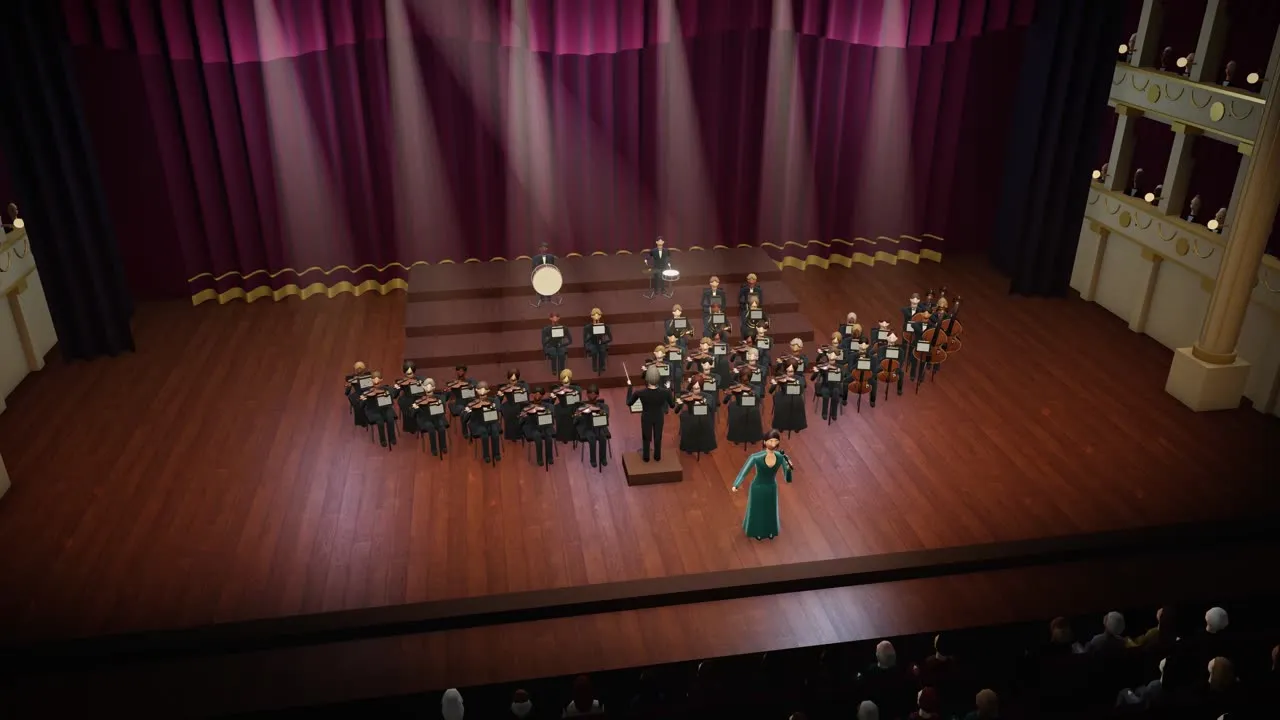
A 3D orchestra takes its seats in a concert hall or an opera house, in front of a full audience. The conductor walks on, a director camera cuts between wide views and close-ups on whoever is playing, a singer takes the microphone when there is a lead vocal, and at the end the orchestra stands for the applause.
4Download the video
Render it in Chrome or Edge on a computer, at 1080p or 4K and 60 frames per second, or let us render it at 1080p and email you a link. Either way it is an mp4 with the song, ready for YouTube, with a small Orchestra Reel mark in the corner.
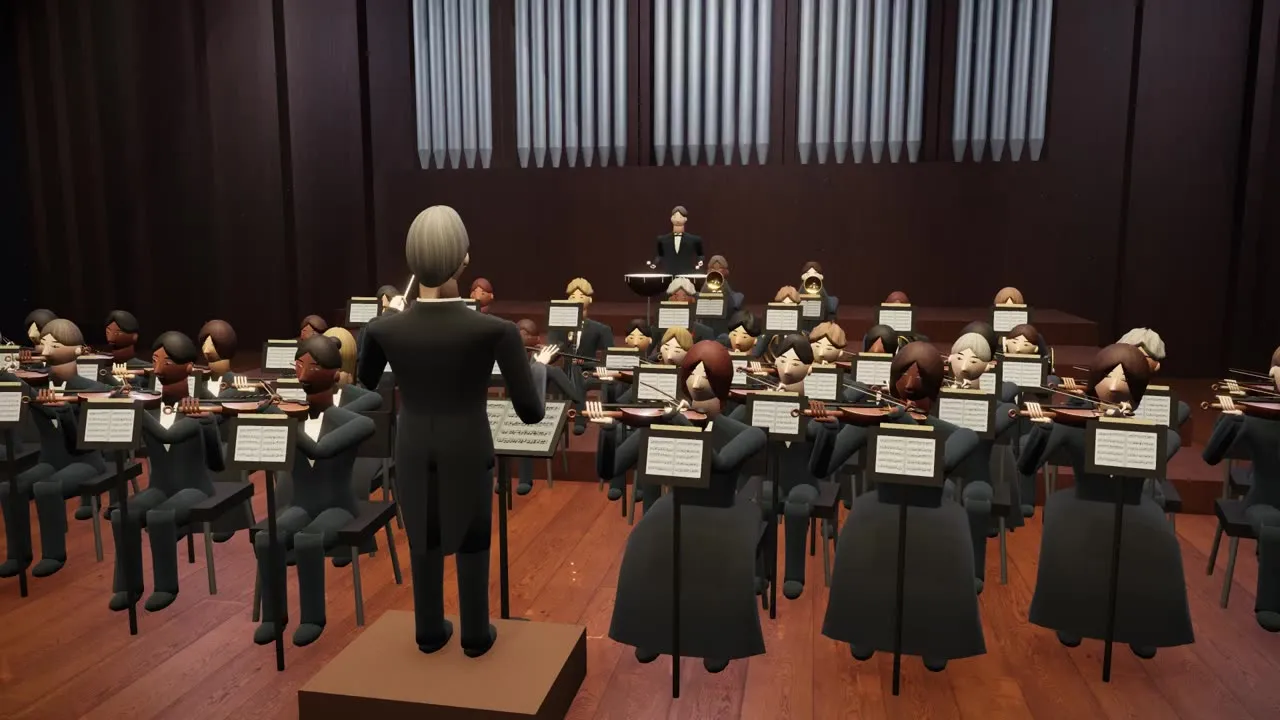
The first minute of the demo concert: the overture to Mozart's The Marriage of Figaro, played by the Musopen Symphony.
A filmed concert, not a visualizer.
Your video, ready to post
Render it in your browser at 1080p or 4K, or have us render 1080p and email you a link that stays up for 7 days. An mp4 with the song at 60 frames per second, made for YouTube.
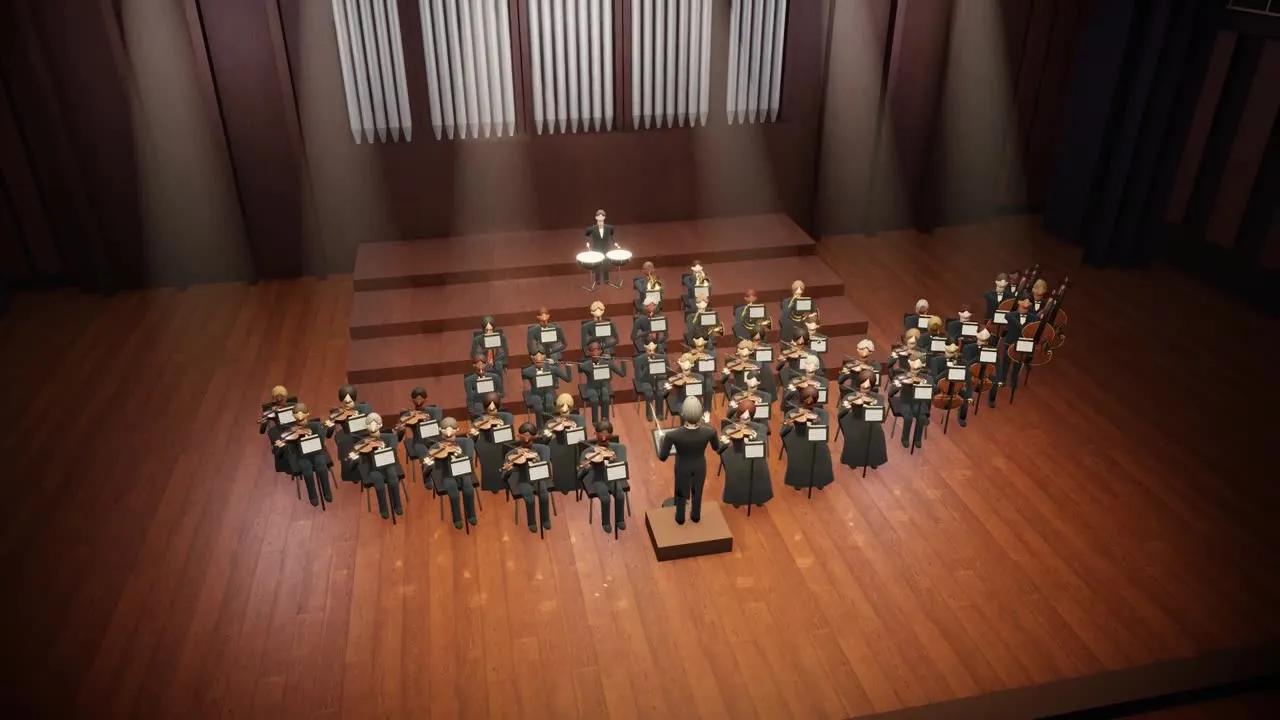
Director camera and concert lighting
The camera moves between wide views, a look over the conductor's shoulder, section shots and close-ups on whoever is playing, the singer included, and it turns to look out at the audience. The hall is lit like a concert, and the lighting rises for the strongest passage.
A singer for the lead vocal
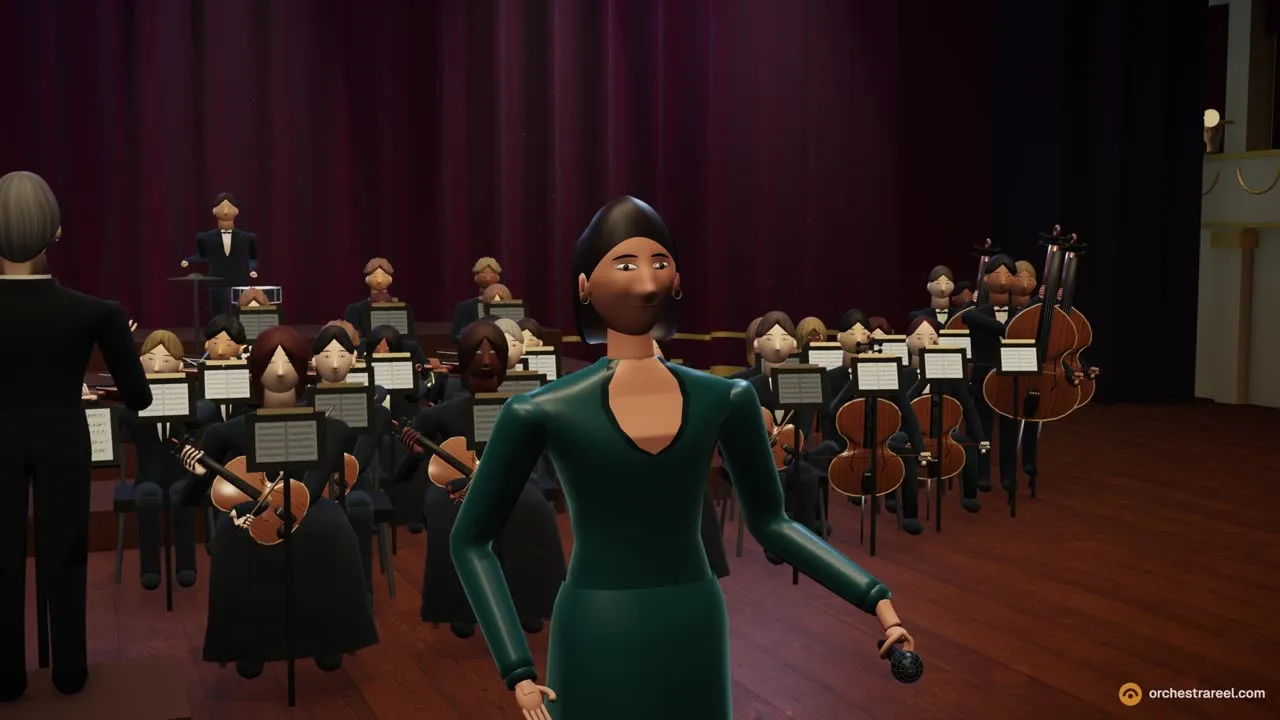
When a song has a lead vocal, a singer takes the microphone at the front of the stage. Choose how they look, in three styles.
Concert hall or opera house
Choose the room: a wood-panelled concert hall with an organ, or an opera house with tiers of gilded boxes. Both are full, and the audience stands at the end.
Correct the detected instruments
Detection is automatic, not perfect. Untick an instrument that is not in the piece, add one that was missed, and save.
Share a view-only link
Songs stay private unless you share them. A link plays the concert read-only, and you can revoke it.
Questions
Which files can I upload?
mp3, wav, m4a, flac or ogg, up to 100 MB and 10 minutes per song.
How long does it take?
Identifying the instruments usually takes 3 to 10 minutes, longer when the separation service is busy. The app shows each step, and you can close the page meanwhile. Then you check the instruments it found and open the stage.
Where does my audio go?
Uploads are stored privately and nobody else can play them unless you share a link. For the separation the recording is sent to MVSEP, a third-party service, which we ask to delete it once the stems are back. Orchestra Reel does not use your audio for training.
How do I get the video?
Two ways. In Chrome or Edge on a computer, the export renders in your browser at 1080p or 4K and 60 frames per second, as an mp4 with the song. Or choose "Email me the video": we render it at 1080p and email you a download link that works for 7 days.
Either way the video carries a small Orchestra Reel mark in the corner.
What does it cost?
Nothing. Each account can process 3 songs for free, and the videos carry a small Orchestra Reel mark in the corner.
What about the rights to the music?
You must hold the rights to what you upload, or have permission from the rights holder. A shared concert plays your recording to anyone with the link, so share only what you may share.
If a recording was uploaded without permission, write to [email protected].
Start with a song you own.
Free. Sign in with Google.